


News
Key Features to Look for in a Powerful AI Business Card Generator

Published By
Ezeibekwe Kingsley
Date
22nd December, 2024
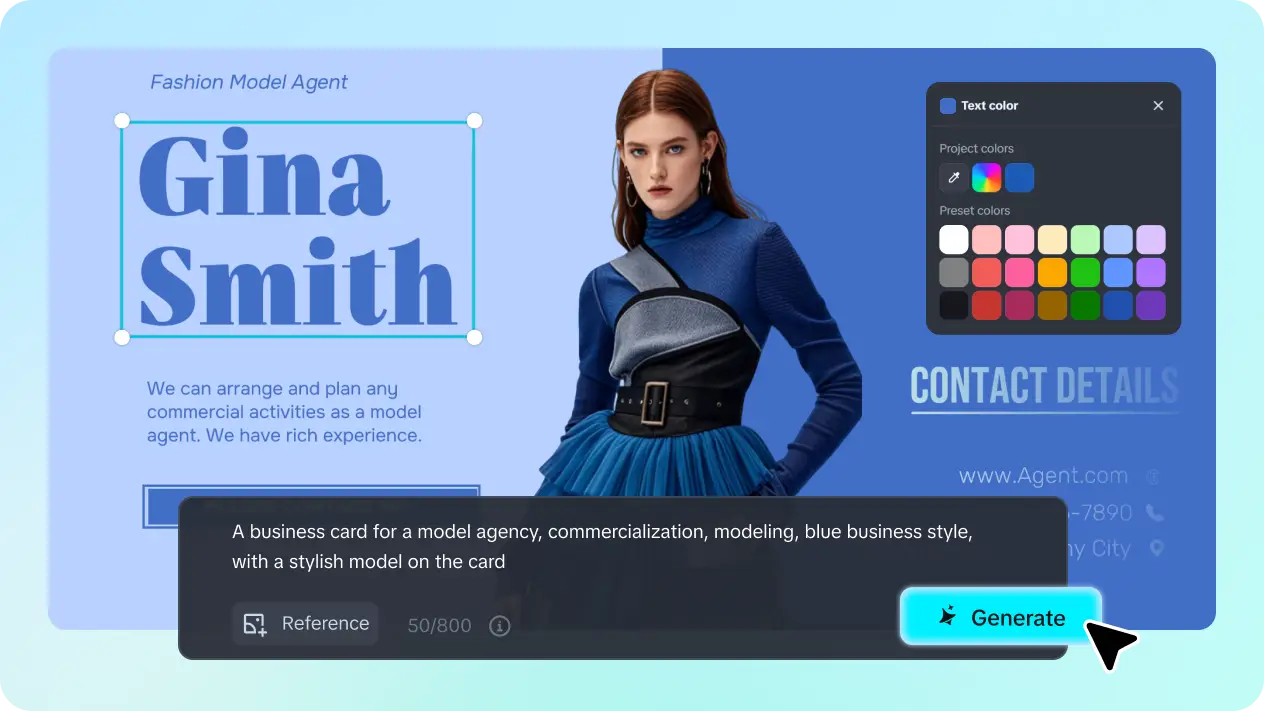
Want to find a powerful business card generator for professional and personalized design but are confused about the various options available on the Internet? This article is here to give you a magical guide to selecting the most suitable and perfect AI tool to generate formal and iconic card designs. No matter what kind of card styles you are planning to design, following the key feature lists below will make your task easy. Let’s discover together!
Top key factors for a powerful and tailor-made AI business card creator
Whether you want to tailor a colorful and attractive card design or generate a formal business card to illustrate professional images, you should consider these factors to pick the best tool to implement your design. Here is your checklist for a smooth card generation process:
-
Beginner-friendly editing interface
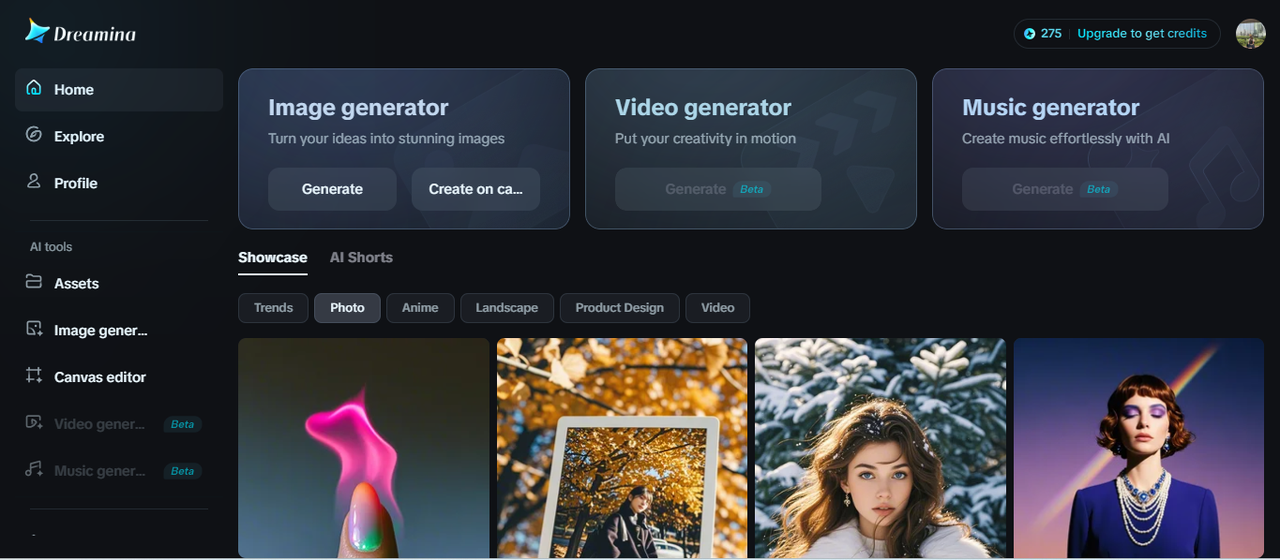
A tool with a beginner-friendly and intuitive editing interface is the best option for you to kick-start your business card design, especially when you are a beginner in this field. Look for a tool with an easy-to-follow process and real-time editing to ease your process. Otherwise, you might need to spend the whole day figuring out how to use this AI business card generator properly.
-
Rich customization features
Another thing you need to look at for your chosen tool is a rich and robust space for design customization. This powerful tactic will add a lot of value to your creation process by saving you time and transforming your card design with the best quality. For example, at Dreamina, you can enjoy an accessible and ready-to-use canvas editing site where you can optimize different kinds of AI-powered features, such as inserting AI text effects to make your business card design more tailored and personalized. Nothing can restrict your creative process!
-
High-quality and ready-to-use results
Do not forget to check for the quality of the final output to determine your most suitable tool. This will help you to prevent any post-editing task, like removing pixelated or unwanted elements. It is recommended to consider the export settings to make sure that the tool allows you to save your design with your preferred file format or size.
-
Inspirational concern
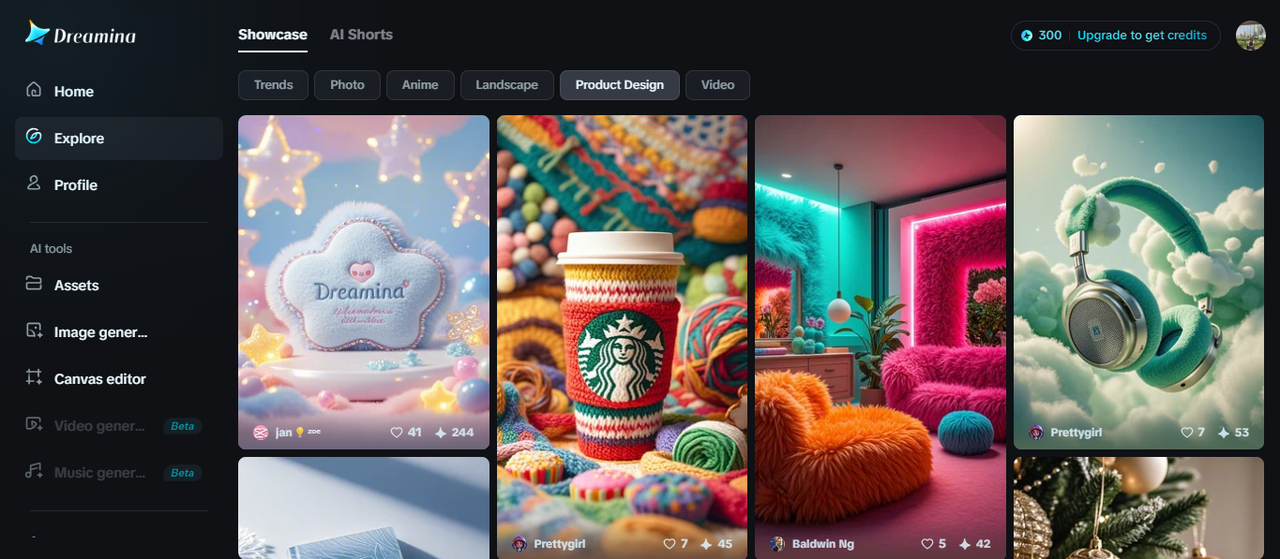
Designers who are in a creative block or have little experience in this field are advised to choose a tool with massive collections of tailor-made designs to find refreshing ideas. Like Dreamina, the best free AI image generator, enjoy the powerful and well-designed projects by other creative creators on the “Explore” page to get some inspirational sources for your card design.
-
Free or friendly cost
Consider your editing budget when choosing the most suitable AI tool to design your business card. If you have a low budget for this task, choose a cost-friendly tool to lend you a hand.
Bonus tricks: tips for appealing and custom business card design
After picking your favorite and suitable AI tool to generate a card design, optimize some tips to make your card design more attractive and illustrate your style:
-
Define your card style and information
The first tip for a tailor-made and well-designed business card is to pick your card style. Think of whether you want to create a professional or creative design to choose your preferred style. You should prepare all the information that you want to show on your cards for a proper and time-saving process.
-
Craft a well-tailored prompt
Tailor your prompt with well-detailed information to let the AI-powered tool understand your ideas and create satisfying outputs from the first try. Include all relevant information about style, color palettes, or shapes for your card design. Remember not to use ambiguous phrases to confuse the tool about your idea.
-
Optimize AI-powered editing tools.
Do not forget to optimize available AI enhancers to increase your visual aid and save your editing time. For example, at Dreamina, optimize the AI image upscaler to tailor your business card design with 4K quality for ready printing or sharing on your social media channel.
-
Use harmonious text fonts
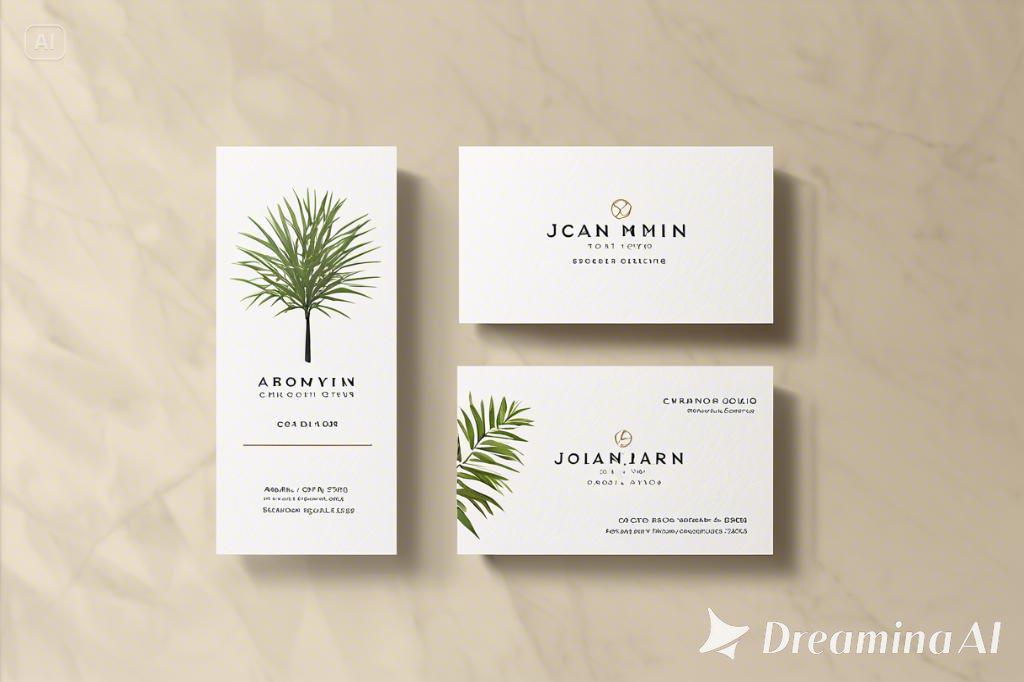
Text font plays an important role in your design. That’s why you should consider a harmonious and blanched text font to make your design clean and eye-catching. Choose a font style that is easy-to-ready and can show your personality.
Conclusion
To pick your most preferred and tailor-made AI-centered business card maker, it is important to consider some key factors, including an easy-to-use editing interface, robust custom features, high-quality outputs, or even accessible inspirational sources. You should also be well-prepared with some designing tips, such as choosing a proper text font or crafting a well-informed prompt to bring your card design to a new height. If you are looking for a tool that satisfies all your expectations above, Dreamina is here to be your recommended choice. Enjoy an intuitive and compatible process to craft your formal and personalized business card design. Feel free to optimize this versatile tool for other editing purposes, such as using it as a free AI logo generator for eye-catching and illustrative branding logos. All are available for your free use!
Comments